
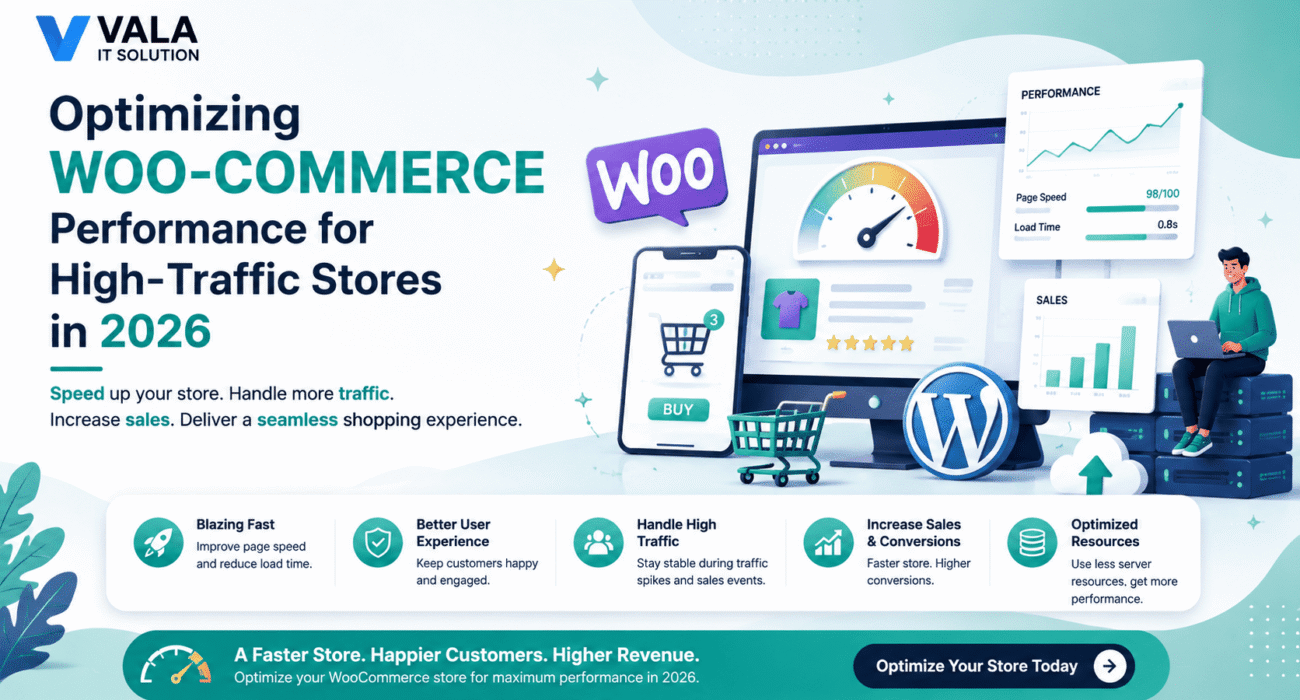
As your WooCommerce store grows, so do customer expectations. Shoppers today expect websites to load in under a few seconds, regardless of how many visitors are browsing at the same time. Even a slight delay can lead to abandoned carts, lower search rankings, and lost revenue.
While WooCommerce is one of the most flexible eCommerce platforms available, high-traffic stores require more than a standard WordPress setup. Proper optimization is essential to ensure your website remains fast, secure, and scalable as your business expands.
In this guide, we’ll explore the most effective WooCommerce optimization strategies for 2026 to help your online store perform at its best during both everyday traffic and peak sales events.
Why WooCommerce Performance Matters
Website speed directly impacts:
- Customer experience
- Conversion rates
- Search engine rankings
- Cart abandonment
- Server stability
- Revenue growth
Whether you’re running a seasonal sale or processing hundreds of orders daily, a slow website can cost your business valuable customers.
1. Choose High-Performance WooCommerce Hosting
Your hosting provider forms the foundation of your store’s performance.
Shared hosting may work for small stores, but growing businesses should consider more scalable solutions.
Recommended Hosting Options
- Managed WooCommerce Hosting
- Cloud Hosting
- VPS Hosting
- Dedicated Servers
Modern hosting platforms offer features such as:
- SSD or NVMe storage
- Built-in caching
- Automatic backups
- CDN integration
- Auto-scaling resources
- Advanced security protection
Investing in quality hosting often delivers the biggest performance improvement.
2. Optimize Your WooCommerce Database
Every WooCommerce store continuously generates data, including:
- Customer accounts
- Orders
- Product information
- Sessions
- Transients
- Analytics
- Cart data
Over time, unnecessary records can slow down your database.
Database Optimization Tips
- Remove expired transients
- Delete old revisions
- Clean abandoned cart records
- Optimize database tables
- Schedule automatic maintenance
- Archive outdated order data when appropriate
A well-maintained database improves both frontend speed and backend responsiveness.
3. Implement Advanced Caching
Caching reduces the amount of work your server performs for each visitor.
Instead of rebuilding every page from scratch, cached versions are delivered much faster.
Essential Caching Types
Page Caching
Stores pre-generated versions of pages for faster loading.
Object Caching
Reduces repeated database queries by storing frequently requested information in memory.
Browser Caching
Allows visitors’ browsers to store static assets locally, reducing repeat downloads.
Combined together, these caching methods significantly improve page speed and reduce server load.
4. Use a Content Delivery Network (CDN)
A CDN distributes your website’s static files across multiple servers worldwide.
Instead of loading images, CSS, and JavaScript from one location, visitors receive them from the server closest to them.
Benefits of a CDN
- Faster global loading speeds
- Reduced server bandwidth
- Lower latency
- Improved reliability
- Better performance during traffic spikes
A CDN is especially valuable for businesses serving customers across multiple countries.
5. Optimize Images and Media
Large product images are one of the biggest causes of slow WooCommerce stores.
Modern image optimization techniques can dramatically reduce loading times without sacrificing quality.
Best Practices
- Convert images to WebP or AVIF
- Compress images before uploading
- Use responsive image sizes
- Enable lazy loading
- Optimize product galleries
- Remove unused media files
Smaller image sizes improve page speed while maintaining a professional appearance.
6. Reduce Unnecessary Scripts and Plugins
Every installed plugin adds additional code, database queries, or JavaScript files.
Too many plugins can negatively affect website performance.
Optimization Tips
- Remove unused plugins
- Replace multiple plugins with a single solution where possible
- Load scripts only where needed
- Minify CSS and JavaScript
- Delay non-essential JavaScript
- Eliminate render-blocking resources
Keeping your website lightweight results in faster page loads and improved stability.
7. Optimize WooCommerce Product Pages
Product pages often contain:
- Multiple images
- Reviews
- Related products
- Upsells
- Variation selectors
- Dynamic pricing
Each additional feature increases page complexity.
Improve Product Performance By
- Limiting related products
- Optimizing product descriptions
- Reducing unnecessary widgets
- Using optimized image galleries
- Loading reviews asynchronously where appropriate
A streamlined product page helps customers browse and purchase more efficiently.
8. Prepare for High Traffic with Auto-Scaling
Traffic spikes during promotions, festivals, or product launches can overwhelm traditional hosting.
Cloud-based infrastructure helps maintain stability during these periods.
Recommended Solutions
- Auto-scaling cloud hosting
- Load balancing
- Reverse proxy servers
- Distributed caching
- Cloud storage for media files
These technologies allow your WooCommerce store to handle increased demand without downtime.
9. Improve Checkout Performance
Checkout is the most critical part of your store.
Even small delays during checkout can reduce conversions.
Best Practices
- Simplify checkout fields
- Enable guest checkout
- Optimize payment gateway performance
- Reduce unnecessary checkout scripts
- Minimize redirects
- Cache non-sensitive checkout assets
A faster checkout creates a smoother shopping experience and reduces cart abandonment.
10. Monitor Website Performance Continuously
Optimization isn’t a one-time task.
Regular monitoring helps identify issues before they impact customers.
Monitor metrics such as:
- Page load speed
- Core Web Vitals
- Server response time
- Database performance
- Error logs
- Plugin performance
- Resource usage
Routine performance audits help maintain long-term website health.
WooCommerce Performance Checklist
Before launching or scaling your store, make sure you’ve completed the following:
- High-performance hosting
- Database optimization
- Image compression
- Advanced caching
- CDN implementation
- Plugin cleanup
- Script optimization
- Fast checkout process
- Continuous monitoring
- Regular updates
Following this checklist helps ensure your WooCommerce store remains reliable as traffic grows.
Future Trends in WooCommerce Performance (2026)
WooCommerce continues to evolve alongside modern web technologies.
Key performance trends include:
- AI-powered performance optimization
- Edge computing
- Serverless infrastructure
- AVIF image adoption
- Headless WooCommerce
- Faster PHP versions
- Improved Core Web Vitals optimization
- Intelligent caching systems
Businesses adopting these technologies will be better positioned to deliver exceptional shopping experiences.
Final Thoughts
A high-performing WooCommerce store isn’t just about speed—it’s about creating a reliable, secure, and seamless shopping experience that keeps customers engaged and drives sales.
By combining powerful hosting, database optimization, intelligent caching, image compression, streamlined code, and proactive monitoring, you can ensure your store performs consistently, even during peak traffic periods.
At Vala IT Solution, we specialize in WooCommerce development, performance optimization, speed enhancement, custom plugin development, and scalable eCommerce solutions. Whether you’re launching a new online store or optimizing an existing one, our team can help you build a WooCommerce website that’s fast, secure, and ready for growth in 2026 and beyond.